Power BI tip 1 of 4: small tweaks, big difference.
1/4 – Download the full longread for all tips
Many Power BI users lose a few minutes every day to deal with the same problem: open the report and set everything up again. There is a simpler way, using a feature you likely already have but rarely use.
You open a report, filter on your region and period, and get exactly the view you need. The next morning everything is back to the default. As a report builder you can’t possibly make a separate report for every user, yet everyone wants their own starting point. That costs time and, more importantly, it slows adoption: people who have to search for their numbers again every time drop off faster.
The solution: Personal Bookmarks
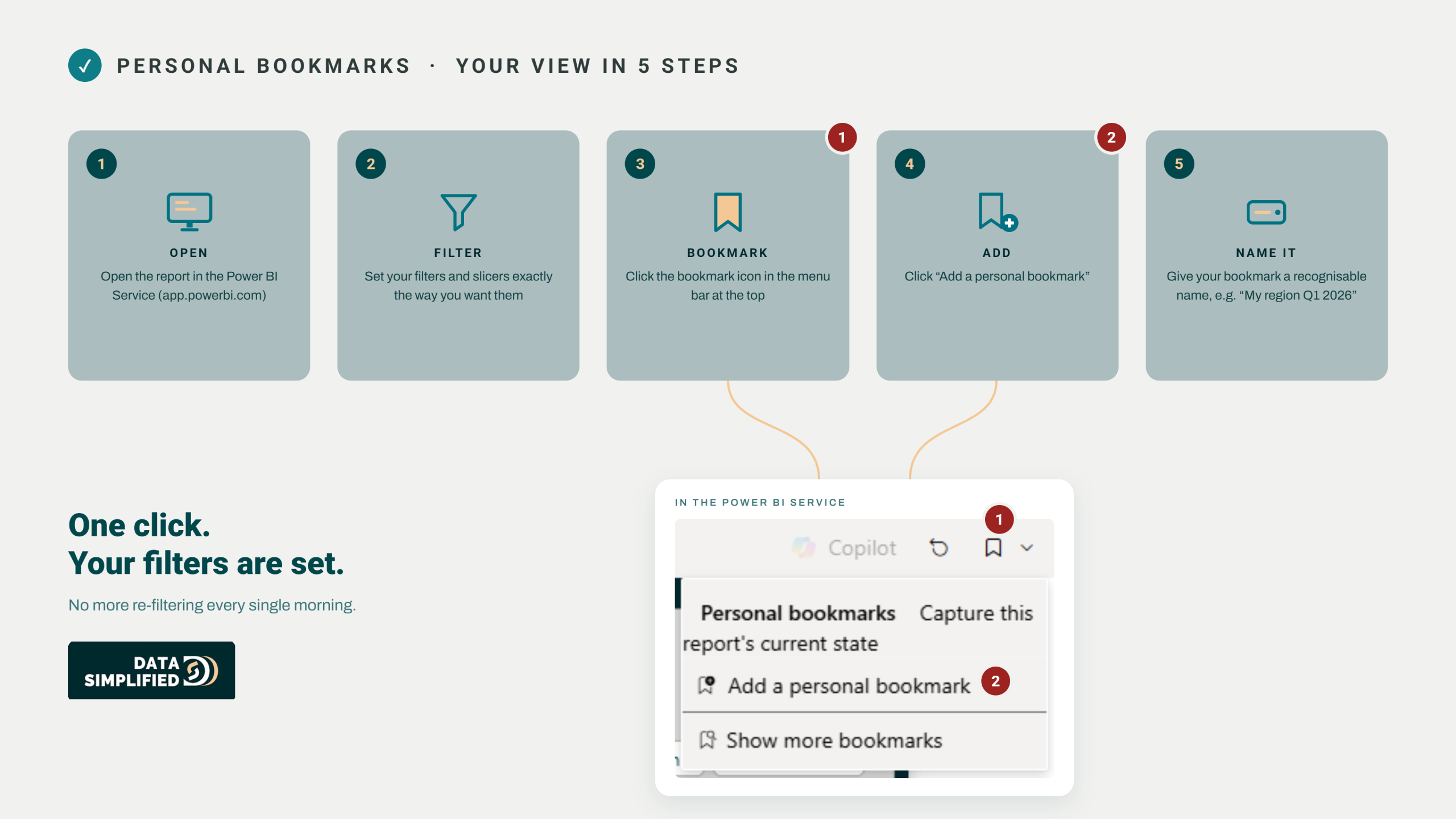
Personal bookmarks are built into the Power BI service, it lets every user save their own view, including filters and slicers. One click and you’re back in your view, without changing anything for your colleagues. You can create several, for example one per client or period.
The pitfall: Personal en Report Bookmarks
The most common mistake is confusing Personal Bookmarks with Report Bookmarks. Personal Bookmarks are personal and not shareable, ideal for your own daily view. If you want a fixed view for the whole team, like a ‘Management view’, you need Report Bookmarks instead. So choose deliberately, or you’ll save the wrong one.
KEY TAKEAWAY
Users who can make a report ‘their own’ use it more often and more willingly. One click, and they’re right back in the proper context.
DOWNLOAD THE FULL LONGread
The full step-by-step for setting up Personal Bookmarks, together with the other three quick wins in this series, is in our free e-book. Curious?